


Coral Island Casino
How to Login
Whether you are new to the platform or returning to continue your gaming session, the registration and authentication process is designed to be quick, secure, and user-friendly. The platform allows British players to access premium slots, classic table games, and live dealer experiences within minutes. If you are looking to set up a new profile or simply sign in to your existing account at Coral Island casino, the steps below will guide you through the process.
How to Register Your Account
Creating a profile is simple and can be completed in just a few minutes.
Registration
Visit the Website: Go to our homepage and click the Get login or LOGIN button.
Complete the Registration Form: Provide the necessary details, including your full name, date of birth, email address, username, and a secure password. You will also need to select your country of residence (UK) and preferred currency (GBP). Make sure all information is accurate, as it will be used for account verification.
Accept the Rules: Carefully review the platform’s Terms and Conditions, then tick the box to confirm your agreement.
Verify Your Email: After submitting the form, you will receive a verification email. Click the secure link inside the email to activate your account.
Once completed, your profile will be fully activated and ready to use.
Accessing Your Profile
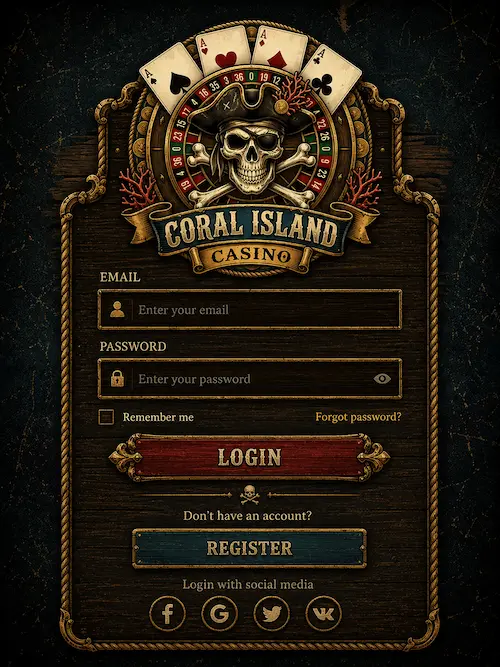
If you already have a registered account, signing in is fast and straightforward.
Sign-In
Locate the Button: Click the authentication Play button situated at the top of the homepage.
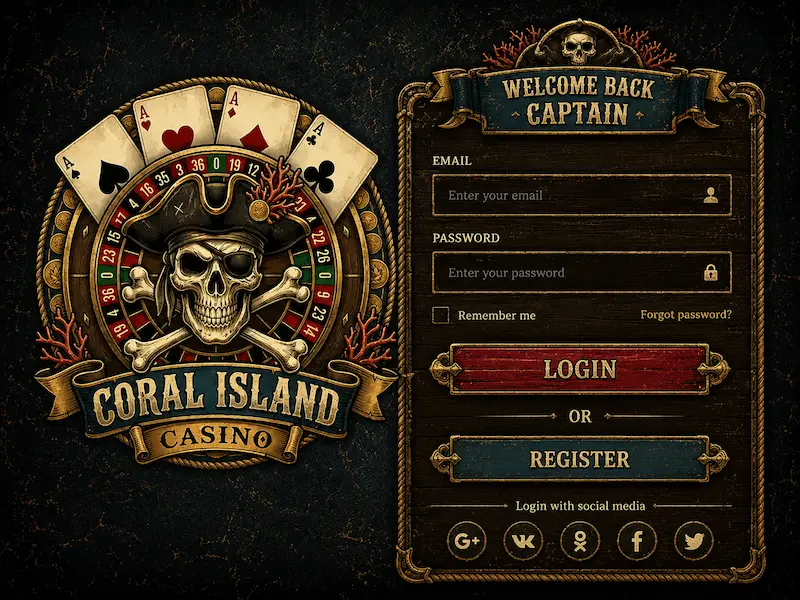
Enter Your Details: Input your registered username or email, alongside your password. Ensure the information is entered correctly, paying close attention to capitalisation and special characters.
Access Your Dashboard: After a successful Login, you will be redirected to your personal account area.
From your dashboard, you can seamlessly access all available games, manage deposits and withdrawals, view your transaction history, update account settings, and check the status of any active Bonus. The system is fully optimised for all devices, whether you are playing on a desktop computer or via our dedicated mobile App.
Account Verification (KYC)
To ensure a highly secure gaming environment and comply with UK regulations, identity verification is required.
Why We Verify
The verification process is an essential step to help:
Prevent underage gambling.
Protect against fraud and identity theft.
Secure all financial transactions.
Maintain strict Responsible gaming standards.
Required Documents
You may be asked to provide:
A government-issued photo ID (Passport or Driving Licence).
Proof of address (such as a recent utility bill or bank statement).
Payment method verification.
The review process usually takes 1-2 hours, after which full account functionality, including withdrawals, is enabled.
Resolving Issues
Forgotten Password
If you cannot access your account, follow these recovery steps:
Click the “Forgot Password?” link on the sign-in page.
Enter your registered email address or username.
Follow the reset instructions sent to your inbox.
Create a new, secure password and sign in again using your updated credentials.
Troubleshooting
If you experience persistent problems accessing your profile, consider the following quick fixes:
Double-check your username and password for typos.
Ensure your email address has been fully verified.
Clear your browser’s cache and cookies.
Temporarily disable any active VPN or proxy services.
Update your browser or mobile software to the latest version.
If technical issues continue, our customer support team is always available to help. You can reach out via Live Chat or find additional contact methods on our About us page.
Security
We utilise cutting-edge security measures to protect player data and financial transactions at all times. Our protective systems include:
Advanced SSL encryption.
Strict password strength requirements.
Optional two-factor authentication (2FA) for added peace of mind.
Sophisticated fraud monitoring algorithms.
These robust measures guarantee that every gaming session is shielded from external threats. For comprehensive details regarding how we collect, store, and safeguard your personal information, please review our Privacy Policy.